A nice part of running an independent software product is you can do sometimes things just because you feel like it. In the age of growth/revenue/metrics/etc, building software products can sometimes end up leaving you feeling… grey. Even working on an amazingly fun product like NanaGram can sometimes get boring if one gets too close.
NanaGram is designed to increase connection between young and old. I originally created it for my grandparents as a gift for my grandfather when he turned 94. While it’s not just for elderly people, they’re the group that benefits the most. This always surprises me: It’s not exercise or diet, or how much you drink or smoke that predicts a long life. It’s the frequency and quality of your social interactions.
NanaGram’s core product (sending 4×6 prints in the mail to your loved ones) helps bring people closer together. For example, countless customers have told me their loved one calls them the moment they get every delivery to chat about the photos and life. When the pandemic emerged I started thinking about hundreds of NanaGram recipients who became even more isolated if there was anything I could do to brighten their days.
Sure, NanaGram increases connection with more (and more fun) phone calls and visits, but the pandemic got me thinking about how to make the service more interactive for recipients. I got an idea and pitched it to my brother-in-law Matt Woods (@hallowwoods). Every month, let’s draw a cute animal, print it on a blank 4×6 postcard and include it with people’s NanaGram photo deliveries. He agreed! Matt is a seriously prolific artist, creating unique art each day for his Instagram so I wasn’t surprised he was up for the challenge.
July 2020
Every month for 18 months, Matt created inspiring, adorable art. We printed tens of thousands of postcards. We gave people a way to opt out of the free postcards. Few did.
September 2021
The blank postcard template we printed on the back
If I’d done something like this inside a big company it would’ve been cancelled within the first couple of months. It’s not the kind of thing that can easily be tracked to some kind of ROI and even if it was, it probably isn’t a profitable experiment.
November 2021
I still don’t really know what kind of an impact these postcards had. I could’ve done a better job reaching out to recipients for feedback but like I said, I did this just because I wanted to, not for ROI. (Okay, maybe ROI in terms of Return-On-Brightening-People’s-Days — ROBPD — it’s not about money.)
Chances are, in January and February I’ll probably get a bunch of voicemails from NanaGram recipients asking what happened to the postcards!
December 2021, the last in the series
You can check out all of the postcards in the series below.
While visiting my aunt recently I told her we’d be ending the series. She asked if she could order note cards with a blank inside. I asked Matt if he’d notecard sets but he’s unsure if enough people would want them. If you’re interested in ordering a set, contact me!
At NanaGram, we make cancelling as easy as the product itself: All you have to do is text your photos and we’ll mail 4×6 printed photos to your grandparents. To cancel, all you have to do is text “cancel.”
You can text “stop my subscription after the next shipment” or “no longer interested”, or even “peruuttaa” and we’ll cancel your account. A human being (aka, me!) reads every text message the NanaGram bot doesn’t understand. I’ll get your account cancelled no matter how you ask.
You can also cancel on our website or by responding to any email we send you; I read and respond to every email.
My cousin Belinda has one of the coolest Christmas card traditions I’ve ever seen! Every year, she hand crafts cards using materials from cards and decorations she keeps from the year before. Every card is unique. She adds a family photo by ordering multiple copies of the same photo from Shutterfly (usually free printing, just pay for shipping) and sticks them inside the card along with a personal message.
This year my wife Katie and I got her card a little bit late due to USPS delays, likely related to the pandemic. We were BLOWN AWAY by the quality of the card itself and had to text her just to double-check this one wasn’t machine made. Wow!
For 2021, Belinda asked people to send her “used” cards to her; Katie and I are totally sending her all of our 2020 cards.
The only suggestion for improvement I have is a better photo quality. Of all the photo labs I tested, Shutterfly is among the lowest quality. I told Belinda I’d print next year’s photos on the photo printers at NanaGram HQ and mail them to her. 🙂
Growing up, one of my holiday traditions was making fudge. When I was probably 12 or 13, I started to get really into learning how to cook. One year, my mom showed me the back of a Fluff container for a recipe entitled “NEVER FAIL FUDGE.” For those of you who don’t know Fluff, it’s kind of like liquified marshmallows and is used in place of jelly to make a peanut butter and fluff sandwich. It’s made in New England (Lynn, MA) and there’s even a Fluff Festival in Somerville.
My mom and I bought all of the ingredients and fired up the stove. She got out an old, scratched up aluminum pan that was my grandfather’s (her father’s). An hour later we poured 5 pounds of fudge into the pan and my mind was blown. It was a chocolate-lover’s paradise. We made 5 pounds of fudge for, like, $10. It became a yearly tradition and I gave it to people around the holidays.
My grandparents (Dad’s side) were probably the biggest fudge fans. Even though there were years I wanted to skip, I had no choice but to make at least one batch for my grandparents.
The reason I wasn’t very consistent with the fudge was that while it’s supposed to be Never Fail Fudge… it failed all the time. It was super inconsistent. Sometimes I had to throw out entire batches. One year I made my uncle his very own 5-pound batch which turned out to have the consistency of hot fudge. Most of the time, the fudge came out fine but it was always super hard to cut. Most likely all the failure was self imposed. I wasn’t much of a baker. Apparently, I inherited my maternal grandfather Eddie’s cooking style, where everything is guesstimated. Guessing doesn’t work well for baking. The other thing? As the years went on, Fluff started releasing revisions to their recipe!
My wife Katie and I moved in together and started experimenting with the fudge. I learned to slow down a bit and actually level off the sugar. A few years ago, we ran a chocolate experiment. The recipe calls for 24 ounces of chocolate chips. We tried a couple different amounts of chips — 20 ounces, 23 ounces and 26 ounces — eventually settling on the magic number of 22 ounces.
So there you have it. Never Fail Fudge actually never fails if you use 22 ounces of chocolate.
Printed photos are an amazing way to remember and share life’s best moments. Unlike glowing pixels, a printed photo it something you can hold and display anywhere around the home. Too often our photos get locked up in the camera roll. Printed photos are a beautiful way to bring your photos to life.
Here are 3 ways to send your phone photos to print.
(1/3) How to print your photos from your phone using NanaGram
NanaGram is the easiest way to print photos from your phone. All you have to do is text message or email your photos to us! There’s no app to download. You don’t even have to log into our website to send monthly shipments.
(2/3) Transfer to your computer and upload to a photo printer’s website
Every local same-day photo printer has a website where you can upload your photos and send them to print. Some of the most popular include Target, Walmart, Walgreens, CVS, Costco, and Amazon Photos.
You can use any one of the above websites to upload photos straight from your phone. However, I tend to find it’s easier to place an order from a desktop or laptop, especially if you’re sending more than 10 photos.
Here are 4 ways to get your photos off your phone.
1. Email your photos to yourself
This is one of the easiest ways to get photos off your phone. Go into your camera roll, select the images you want, click the share option and email them to yourself.
2. Use Dropbox to sync your photos
Dropbox has an amazing feature which syncs everything from your camera roll onto Dropbox. The first time you set it up and sync, it takes a while. However, if you enable background syncing in the settings, your Dropbox “Camera uploads” folder will always be in sync with your phone. This means you can visit a photo printer’s website, select upload, and browse to that folder. So easy.
3. Use AirDrop
If you have an iPhone and an Apple computer, Airdrop is a great way to quickly get photos off your phone. Make sure your iPhone and your computer are on the same wifi network. Open Airdrop on your desktop. Select the photos you want to print on your phone, click the share button, and you should see your desktop listed as an Airdrop option. You may need to accept the transfer on your desktop. The photos will appear in your Downloads folder once they’re transferred.
4. On Windows 10? Use the new Near Share feature
Windows has created an equivalent to Airdrop. This feature also supports iPhone, so if you have an iPhone and a Windows computer, you’re in luck. Android is supported too.
(3/3) Use a Photo Printing App
A photo printing app is a similar experience to just visiting a photo printer’s website directly. However, apps tend to be a bit quicker and have more editing features. Not every photo printer offers an app, but here are a few of the popular apps.
Send your Google Photos to print on NanaGram in 3 quick steps.
(1/3) Select the photos you want to share or an album. Click the share icon in the upper right:
(2/3) Go to the “Create link” option in the lower left. (Don’t paste your NanaGram email at the top.)
(3/3) Copy the album link.
If you have a text-enabled plan, just text the Google Photos link to your unique NanaGram number.
If you’re on an email plan send an email to your unique NanaGram email found in your account settings. Paste your Google Photos link(s) in the body of the email and send it.
Google Photos also offers a way to push your photos to a local CVS or Walmart, starting at $0.25 per print. However, if you want to mail your photos to a loved one, especially on a regular basis — driving to the store, paying for your photos, putting them in an envelope, addressing it and finding stamps isn’t worth the time and energy. NanaGram was created to automate this for you so you can spend your precious time doing other things like hanging out with your loved ones!
Recently I learned about a concept that truly reshaped how I think about relationships with loved ones.
Let’s say your grandma is 80. Based on your family history and her current health, you expect she’ll live to 85. If you see her 4 times per year, you don’t have 5 years with her: You have 20 more visits.
One time I visited my grandma at assisted living. She asked me to go to her house and look for her lost wedding band. I didn’t find it, but we had a great time looking through the hundreds of jewelry items I did find.
I don’t share this idea to be a downer. I share it because it’s a profound way to rethink just how precious our relationships are with loved ones and to maximize the time we have left with them.
Here are a 5 gift ideas for grandma all centered around spending more time with grandma.
1. Schedule Regular Visits or Outings
Find out a time that’s good for grandma to get together on a regular basis. If she goes to church on Sunday mornings, maybe you can meet her right after for Sunday brunch.
Regular visits with loved ones can help you form stronger bonds. Regular social interactions are important for people of all ages, especially older grandparents and great grandparents.
At 93, my grandfather stopped driving. Around the same time, his doctor put him on blood thinners to avoid a possible heart attack. He grew out a beard. Unable to hold a trimmer himself to do arthritis, his beard got pretty big and disheveled! One day, my mom handed me a trimmer and asked me to visit and help grandpa trim his beard. Suddenly, my grandpa started affectionately referring to me as “his barber.”
My regular barbering visits often morphed into cooking dinner for my grandparents or bringing them a delicious order of 5 Guys burgers.
While I only played a small role in taking care of my grandfather in the final years of his life, it was one of the most rewarding experiences of my life.
Becoming my grandpa’s “barber” helped me ensure I visited every 2-3 weeks, otherwise he’d get overgrown. Around Christmas, he’d tell me to trim it a little less so he can “look like Santa!” ?
2. Make a Date to go Through her Wedding Album Together
Grandma’s photo album is a beautiful remembrance. One of the qualities I love the most is in most cases, the photos don’t exist anywhere else. They’re pre-digital photo, pre-scanner era photos — a time capsule unlike any other.
My grandparents’ wedding in 1945. My wife and I visited my grandparents to go through their wedding album one Sunday about a year before our wedding. My grandma was so proud of her tailored ankle-height dress. A trend setter! She called my wife at least twice a month leading up to the wedding to check in on how the dress shopping was going.
Sitting down with grandma to go through her photo album is one of the most enjoyable ways to spend time with her. If she’s up for it, consider asking her to let you take video of her going through the book. Even just recording audio is a lovely way to capture memories.
3. Monthly NanaGram Photo Deliveries
NanaGram is a service that helps you mail regular printed photos to grandma every month. All you have to do is text message or email us your photos and we handle the rest.
My neighbor George’s mom: Grandma Hill
While on the surface it looks like it’s a simple product for sending photos, the real goal of NanaGram is to help people form stronger bonds with loved ones.
Our regular photo deliveries get sent every month. We include a cover photo with each shipment, listing the names and phone numbers of everyone on the account sending photos with you. We get countless reports of grandmothers calling their kids and grandkids every month!
4. Get Grandma a Bird Feeder and Visit on a Regular Basis to Fill it
The best gift I ever gave my grandparents (aside from NanaGram ?) was a bird feeder. Not because of the feeder itself, but because it brought them joy every morning and acted as a “forcing function” to get me to visit them more often.
My grandparents’ home had a beautiful backyard which they both cherished. Out back were a couple huge oak trees and with the trees came lots of birds.
“☎️[BEEP] Alex, this is your grandma. The bird feeder is almost empty!”
My grandma had several bird feeders over the years but always gave up filling them because she was in a seemingly constant war with the neighborhood squirrels. Every feeder ended up in the shed.
Fast forward to Christmas a few years ago. I researched all the bird feeders out there and stumbled on Squirrel Buster. This feeder is like the Fort Knox of feeders. There’s a small ring on the bottom hooked up to a spring inside. When a squirrel steps on it, all of the holes close up and the squirrel can’t steal anything! Birds, even cardinals, aren’t heavy enough to engage the mechanism.
I bought their largest model, grabbed my grandpa’s trusty aluminum ladder and scaled up the back of their house, hanging the feeder on a hook just outside their kitchen sink window.
My grandma loved to call me, but suddenly she started calling more to share bird reports. And, she’d make sure I knew when the birder was low; a gentle suggestion for me to come over and fill it up.
5. The Facebook Portal or Amazon Echo Show
One of the most hilarious moments with my grandparents involves an Amazon Echo Show. I bought my grandfather one a couple years ago. They didn’t have internet at the time, so I also set up an appointment for Comcast to come out and get them hooked up. During the initial “unboxing” of the Echo Show, my grandfather hilariously struggled with Alexa, trying to get it to play one of his favorite songs. I taped the whole thing and it ended up being on the viral tv show “Right This Minute.”
Jokes aside, the Echo Show and devices like it are incredible. People who don’t have any experience using a computer mouse or iPhone can communicate in high resolution video and audio at a distance. They’re a perfect way to stay in touch, even if you live across the country.
At the time I reviewed the Echo Show, the device had a few limitations. My biggest struggle was just teaching my grandparents to accept and make calls. They’d often fumble with the buttons and once we were connected, they’d rarely be directly in front of the camera.
Facebook Portal is a good alternative to look at, especially with the camera which follows your grandparents around the room.
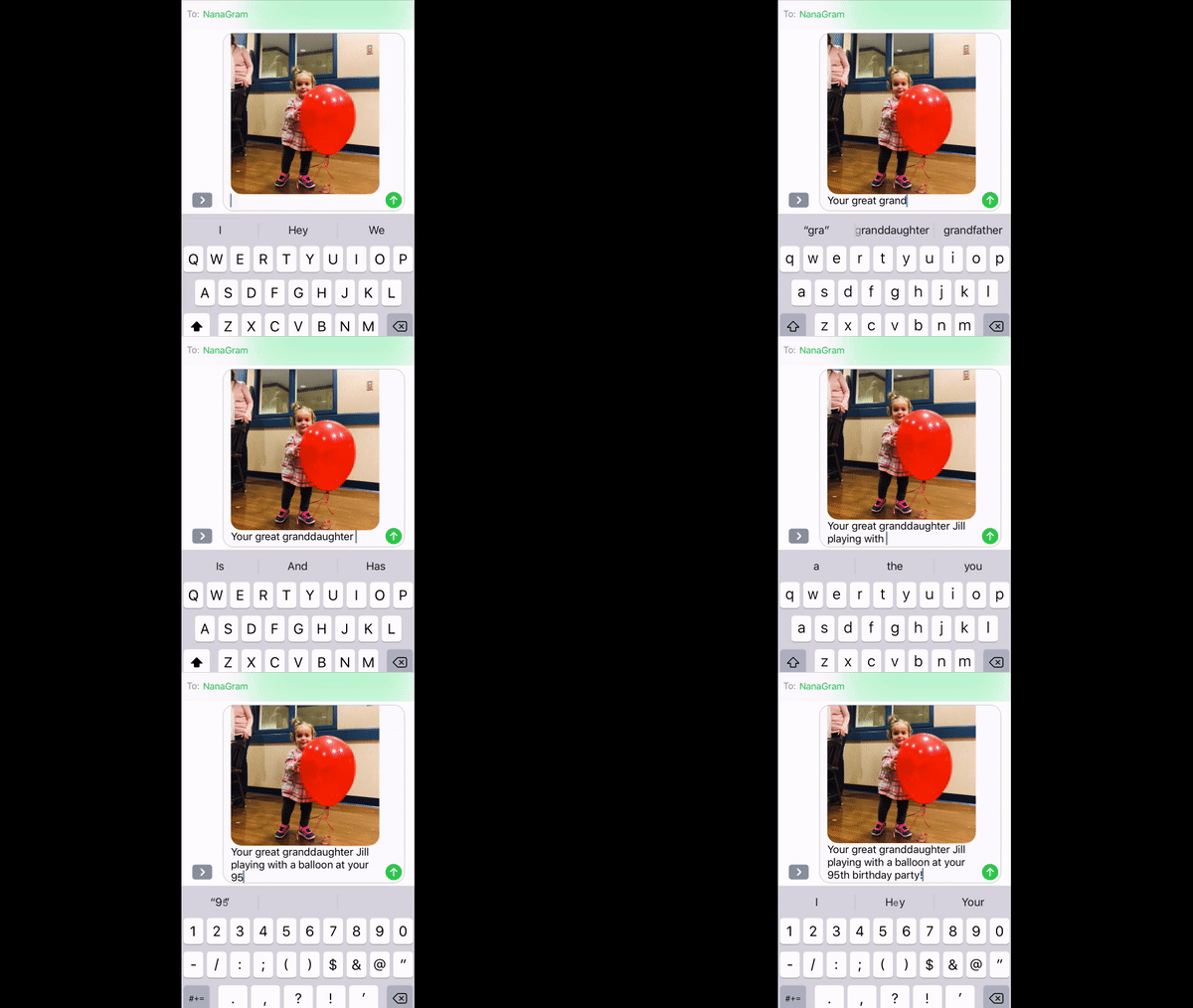
One of my favorite features in NanaGram is captions. For some recipients, captions are crucial to the experience, such as those struggling with dementia and other memory challenges. Captions are also fun to document a story in a series of photos.
What captions look like
At this time, captions get overlaid onto the front of your photos. While we’d love to support printing captions on the back of your photos, photo printing technology doesn’t support it yet. We’re working on it!
Captions are displayed using a transparent black bar on the top or bottom of your photo using white text.
How to add a captions by text message
Just send text along with your photo and it’ll get added automatically as a caption. After you send your captioned photo, you can log in to our website to see exactly how the photo will go to print.
How to add captions by email
When emailing your photos, use the subject line for captions. If you don’t want a caption, leave the subject line blank.
Captions on groups of photos
If you text or email multiple photos at a time using a caption, it’ll get added to every photo. For example, if you email 10 photos with the subject line “Went to Disney!” this caption will get added to every photo. If you want separate photos for separate photos, send one photo at a time.
Use our website to edit, edit, remove and reposition captions
On any given photo, click the three dots on the upper right. You’ll see options to add, edit, remove, and reposition captions.
Position captions to the bottom when sending
Pro tip! Add “-bottom” or “-b” to the end of your text message or subject line when sending by email. This will automatically move the captions to the bottom without logging into NanaGram.
Keywords we’ll ignore at creation
Sometimes people email photos or text them with captions they don’t really intend to use. For example, “pics”, “October pics”, and “Photos from the trip” are common subject lines or text messages.
By default, we ignore the following keywords when you initially send photos if the caption is under 20 characters:
fwd
pics
photos
dropbox.com
If you want to use one of these keywords in a caption under 20 characters, log into the website to edit and save the caption and it will override the default setting.
My parents are 88, ok? I have a good relationship with my parents … they live in Florida. Let’s say my parents live to be 92. I hope they live longer, but let’s say they live 5 years.
I don’t have 5 years left with my parents. I see my parents twice a year. That means I have 10 visits with my parents. So when I started to look at shit like that, I made significant changes.
Like, ok, I’m gonna get on my plane and see my parents and when I’m in those moments, my feet are on the ground. That’s where I am. Because I have a limited amount of time with them.
Our time with our loved ones is precious and this is a simple and beautiful way to think about it.
Becoming a grandparent for the first time is a pinnacle life moment. Grandkids allow new grandparents to experience all of the joy of parenthood again, often with far less responsibility! ? We scoured the web and found some truly adorable new grandparent gifts.
1. Cookie jar
Grandparents are known for spoiling the grandkids. One of my favorite early childhood memories was visiting my grandparents and heading straight for the cookie jar.
Etsy has some truly adorable and customizable cookie jars. This maker offers a “Happiness is homemade” jar where you can place a customized message on the back for $29.99 plus shipping.
A houseplant is an inexpensive gift that can bring your parents or in-laws joy for years to come (maybe even decades). My favorite is the classic jade plant. They’re easy to maintain and over time grow into beautiful tree-like structures. All you need is a sunny window, good soil, and water. For soil, mix 1/3 potting soil, 1/3 sand, and 1/3 rocks (jades like soil that drains easily). Grab a pot with holes for drainage. For watering, the key is to avoid overwatering. Only water when the soil is completely dry. Depending on your new grandparent’s climate, this is usually once every 10-12 days. It’s hard to under-water a jade plant. I’ve left mine unwatered for 6 weeks. Here’s an awesome 18″ potted jade plant on Etsy from an independent seller, starting at under $30.
New grandparents naturally love to share the grandkid with family and friends with photos. Sure, they they can look at photos on a smart phone or computer screen, but there’s just something different about a printed photo.
A photo album on the coffee table is a beautiful gift that makes it easy for new grandma or grandpa to brag to everyone who comes over.
An inexpensive, yet elegant photo album is this cloth, 200-page photo album from Amazon. Chances are it comes in their favorite color. There’s a little window on the front where you can insert a hand-drawn cover or photo. This album is best for 4×6 prints.
This album is obviously makes for a more heartfelt gift with photos in it. You can print photos at a local 1-hour print like Walgreens, Walmart, or CVS or order prints from Amazon.
Take your album to the next level with monthly printed photos delivered to grandma or grandpa’s door with a NanaGram subscription. All you have to do is text or email your photos and every month we print, pack and ship your photos with love! (Read more about why NanaGram is the best photo book for grandparents and our guide on the best photo gifts for grandparents.)
What a nice idea, going from dad to grandpa or mom to grandma by “promotion.” ?
My grandfather started his day with a daily routine, expressing gratitude for a new day and making breakfast for my grandmother. A coffee mug is a simple way to remind grandma or grandma of their newly promoted title!
If grandma and grandpa live nearby, a car seat makes a very practical gift. You’ll need one if grandma and grandpa want to go on adventures with your little peanut.
Car seat safety is extremely important. Taking a car seat in and out can lead to errors and improperly installed seats. Plus, uninstalling and reinstalling car seats is one of the most annoying new parent tasks! So get your new grandparent a car seat.
If you’re looking for an inexpensive yet thoughtful gift, check out Lovepop. They have a huge variety of amazing pop-up cards. They’re pretty much guaranteed to wow, especially with a heartfelt message for new grandma or grandpa. Every time I give my mom a Lovepop, she displays it on her mantle above her fireplace for weeks!